



COMPARARFreeComing soon
What changed in the drawing? Compare it in seconds
Upload the old and the new version, as DXF or a PDF exported from CAD. COMPARAR aligns them automatically and highlights what's new, removed and moved, change by change.
- DXF
- PDF de CAD
- DXF de cambios
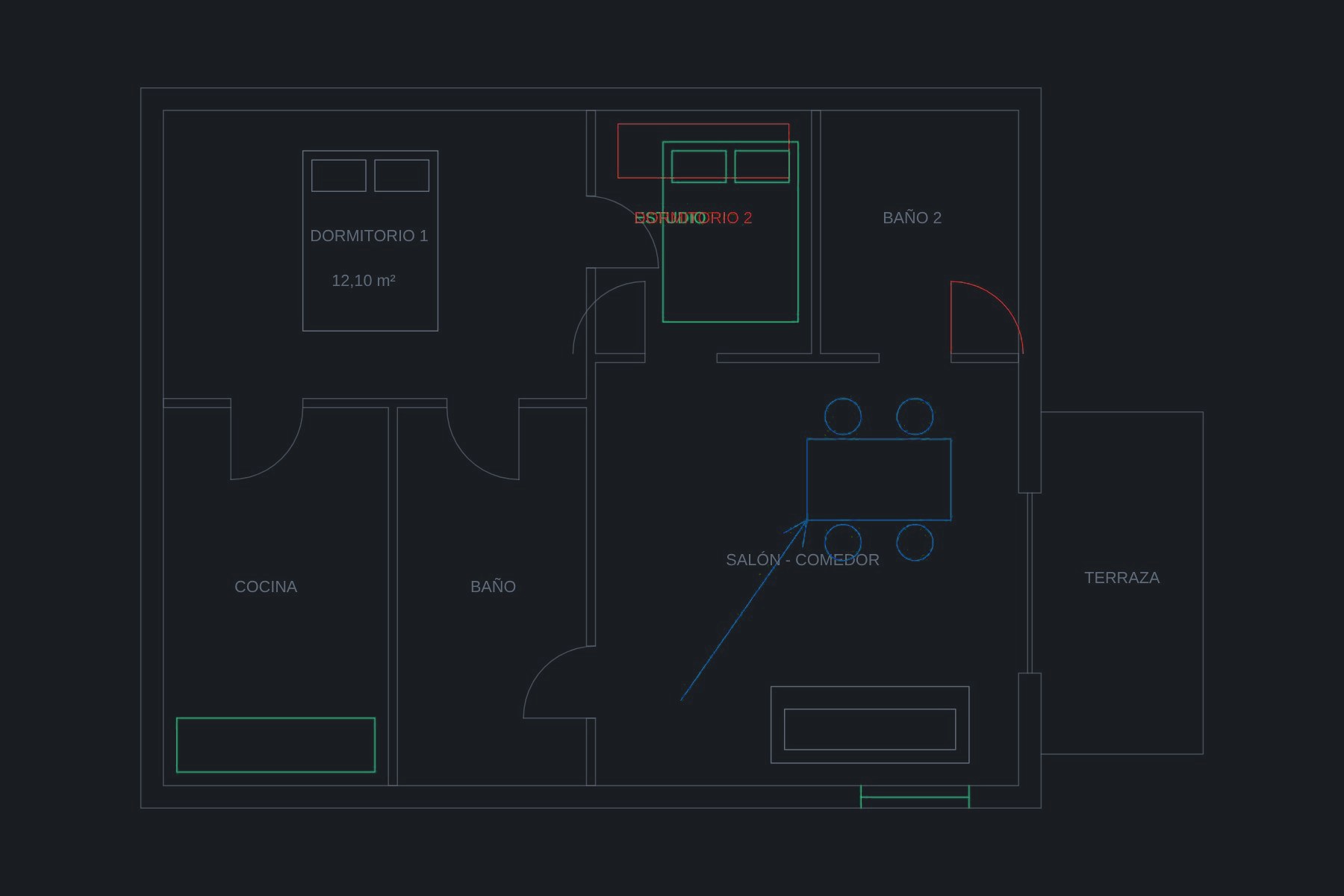
Automatic alignment
Even if one version is shifted relative to the other.
Change by change
Step through the list of differences and jump to each one.
Layers
It also detects objects that moved to another layer.
Changes as DXF
Download the differences as a layered DXF for your CAD.
How it works
- 1
Upload the old version.
- 2
Upload the new one.
- 3
Review the changes and download the DXF.
FAQ
Is it free?
Yes. It is one of librARy's free tools: you can use it without paying and, for the basics, without creating an account.
Do I need to install anything?
No. It runs in the browser on Windows, Mac or Linux, and many tools also work on a phone or tablet.
Does it work with scanned PDFs?
It works with PDFs exported from CAD software (vector PDFs). Convert scans to DXF first with TRACE 2D.
Tell me when it's out
We'll email you the day it opens, plus librARy news (one email a month at most).
You might also like
VISOR CAD
Open DXF and DWG drawings in your browser, even on your phone
Open DXF, DWG and Rhino drawings in your browser or on your phone: layers, snapping measurements, text search and PDF to scale. Free, nothing to install.
Learn moreVISOR BC3
Open a BC3 cost estimate without Presto
Open .bc3 (FIEBDC-3) cost estimates from Presto, Arquímedes, CYPE or TCQ: chapters, items, measurements and breakdowns, from base cost to total with VAT, and export to Excel. Free.
Learn moreLIENZO
Your architect's Photoshop, free and in the browser
A free Photoshop for architects in your browser: layers, masks, layer styles, curves, sky replacement, straighten verticals and layered PSD files.
Learn more